Git Providers Configuration
Overview
With default installation, self-hosted Appcircle comes with the connection options below:
- Bitbucket
- Azure
- GitLab
- Connect via SSH
- Connect via URL
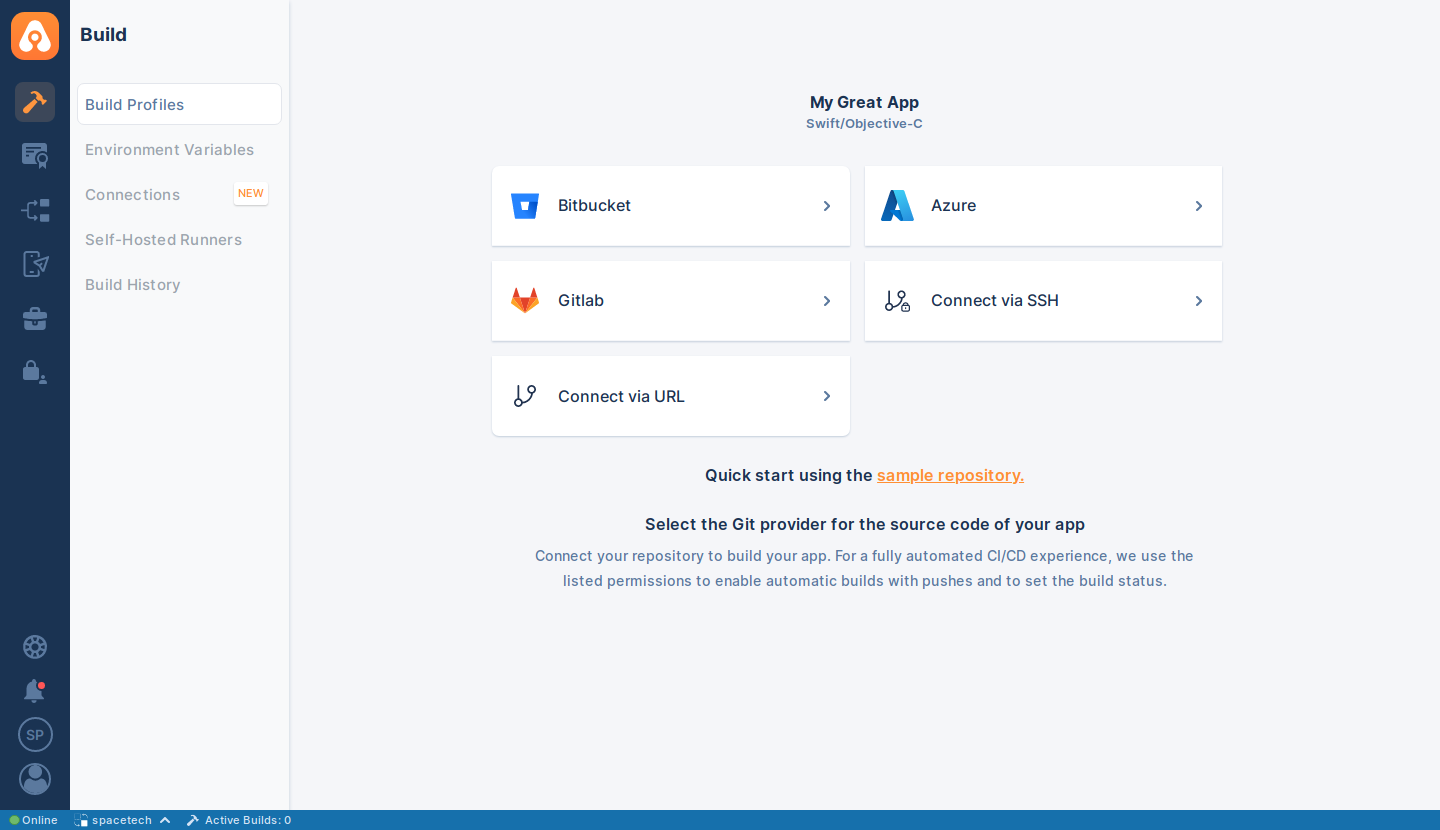
But you're not limited with these options. You can configure the git providers and use them within your self-hosted Appcircle server.
Enable/Disable Git Providers
If you want to enable or disable any of these providers, you can do so by updating your values.yaml file.
In the example below, there are enabled git providers list with comma separated:
web:
  web-app:
    selfHostedGitProviders:
      - "bitbucketServer"
      - "azureDevopsServer"
      - "gitlabSelfHosted"
      - "ssh"
      - "publicRepository"
You can delete the providers you do not need by removing them from selfHostedGitProviders list above.
To apply configuration changes to the Appcircle server installation, update the Helm release with the new configuration using the following command:
The arguments used for the helm upgrade parameters in the sample command below are based on the installation document, and it is compatible with a default installation.
- Release:
appcircle-server - Chart:
appcircle/appcircle - Namespace:
appcircle
If you have customized these values while installing the Appcircle server, change the values to your customized ones.
helm upgrade appcircle-server appcircle/appcircle \
  -n appcircle \
  -f values.yaml
For more details about "Bitbucket" usage, see related docs in the Connecting to Bitbucket page.
For more details about "Azure" usage, see related docs in the Connecting to Azure DevOps page.
For more details about "GitLab" usage, see related docs in the Connecting to GitLab page.
For more details about "Connect via SSH" usage, see related docs in the Connect via SSH page.
For more details about "Connect via URL" usage, see related docs in the Connect via URL page.
Need help?
Get help from Appcircle's support team, or see how others are using Appcircle by joining our Slack Channel.
